
Knowing how to send the player to make a run in EA FC 26 is one of the secrets to creating more space in attack and significantly increasing your chances of scoring. When you send a teammate to move to receive the ball, the opposing defense becomes disorganized, passing lanes open up, and the attack flows better. Despite being a basic command, it is underused by most players, especially online.
By mastering this type of movement control in EA FC 26, you stop relying solely on AI and start actively commanding the attack.
.gif)
What it Means to Send the Player to Make a Run in EA FC 26
Concept of the Movement
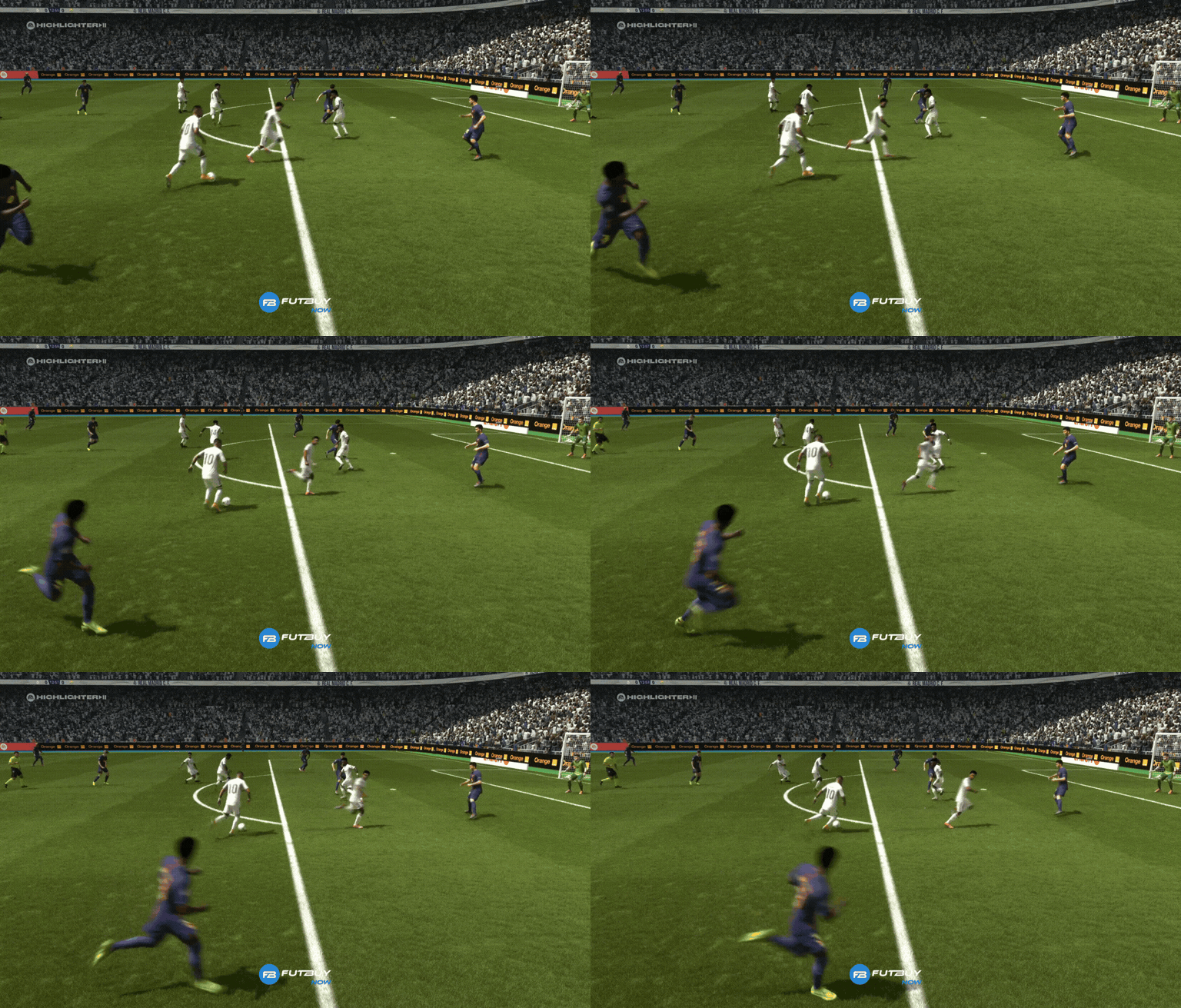
Sending the player to make a run means ordering a teammate to attack the space, making a run deep or sideways to receive the ball. This command makes the player intelligently attack space in EA FC, opening up the defense and creating clear offensive options.
This movement is widely used to:
Create passing lanes
Break down tight defenses
Set up a through ball in EA FC 26
Difference Between Automatic Pass and Manual Run
In automatic passing, the AI decides who moves and when. By sending the player to run in EA FC 26, you take full control of the movement, choosing the exact moment of the run. This makes the attack more unpredictable and efficient, especially against experienced players.
Which Button Sends the Player to Make a Run in EA FC 26
PlayStation
On PlayStation, the default command to send the player to make a run is L1.
Xbox
On Xbox, the equivalent button is LB.
Timing of the Command
The most important thing here is not just to press the button, but when to press it. Using the command too early causes the player to be offside; too late, and the defense has already closed the space. The right timing turns the play into a clear goal-scoring opportunity.
How to Send the Player to Make a Run Correctly During Play
Analog Stick Direction
In addition to the button, the left stick is essential. By combining the command with the analog stick, you choose which player will move and where they will run. This greatly improves movement control in EA FC 26 and avoids unnecessary runs.
Right Moment to Press
The ideal time to send the player to run is the exact moment the defender steps forward or loses defensive alignment. This way, the pass comes through cleanly, and you make better use of the through ball in EA FC 26.
When to Use the Send to Make a Run Command
Against High Defense
Defenses that play high suffer a lot from this command. A simple tap puts the attacker in a clear position.
On the Counterattack
This is where the command shines. By calling the player to make a run in EA FC, you speed up the play and catch the defense running backward.
To Draw Marking
Even if you don’t pass the ball, sending a player to run can draw a defender and open space for another attacker to finish.
Does Sending the Player to Make a Run Work in Competitive Play?
Rivals
It works — and very well. Players who master this command have a clear advantage in positional attack.
Champions
In FUT Champions, where every detail counts, sending the player to make a run is practically mandatory to compete at a high level.
Professional Scene
In the professional scene, this command is part of the basics. Pros use it all the time to control rhythm, space, and offensive movement.
Frequently Asked Questions About Sending the Player to Make a Run in EA FC 26
Which button sends the player to run in EA FC 26?
L1 on PlayStation and LB on Xbox.
Does it work with any player?
Yes, but players with good positioning and speed attributes benefit more.
Do you need to hold the button?
No. A quick tap activates the run.
Why doesn’t my player run when I command it?
It could be due to lack of space, wrong timing, or poor positioning at the moment of the command.
Does this command give an advantage online?
Yes. Those who master this resource have more control of the game and create more clear goal-scoring chances.