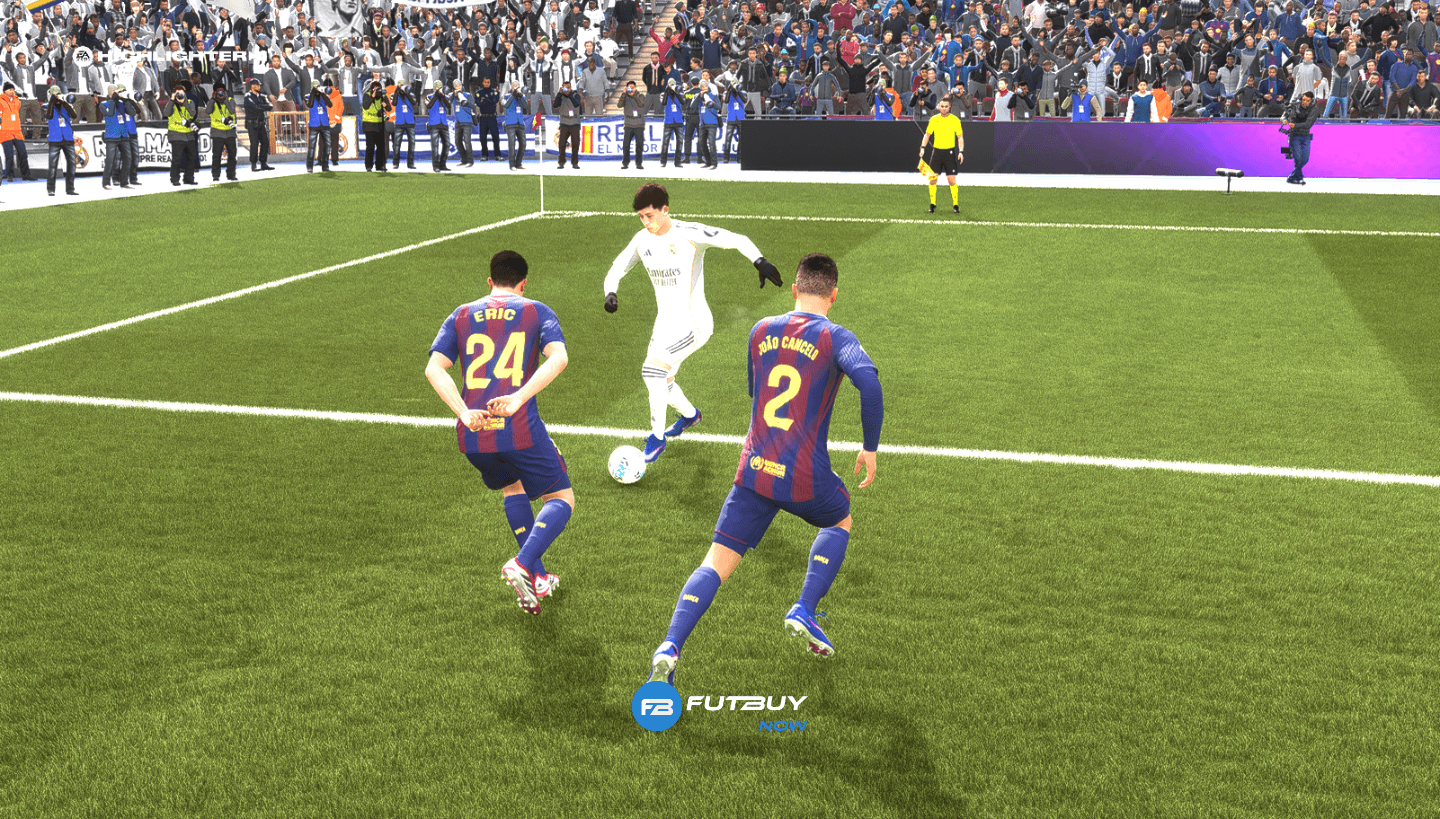
In the current meta, mastering how to call the second player in EA FC 26 is essential for double teaming and recovering the ball more efficiently. If you still don't know how to call the second player in EA FC 26, this function allows you to pressure the opponent with two players at the same time. To learn how to call the second player in EA FC 26, simply hold the R1 button (RB on Xbox) to pressure the opponent with an extra player.
How to Call the Second Player in EA FC 26 (Step by Step)
Mastering EA FC 26 defending requires coordination. Here’s how to execute it:
Hold R1 (RB): By keeping the button pressed, a green icon will appear above the second defender.
Continue controlling your main player: While the AI applies EA FC 26 pressure, you should use the analog stick to close passing lanes.
The second player automatically pressures: He will seek out the ball carrier to reduce dribbling space.
Use to corner the opponent: Great for situations on the sideline or when the opponent is trapped near the goal line.
What Happens When Using the Second Player (R1)
By using the R1 defense button in EA FC, you activate pressure AI. The player closest to the ball (who is not the one you control) will initiate a challenging movement.
Player behavior: He will not automatically tackle on his own most of the time, but will force the opponent into mistakes.
Impact on defending: This creates a numerical advantage, being the most effective way to defend better in EA FC.
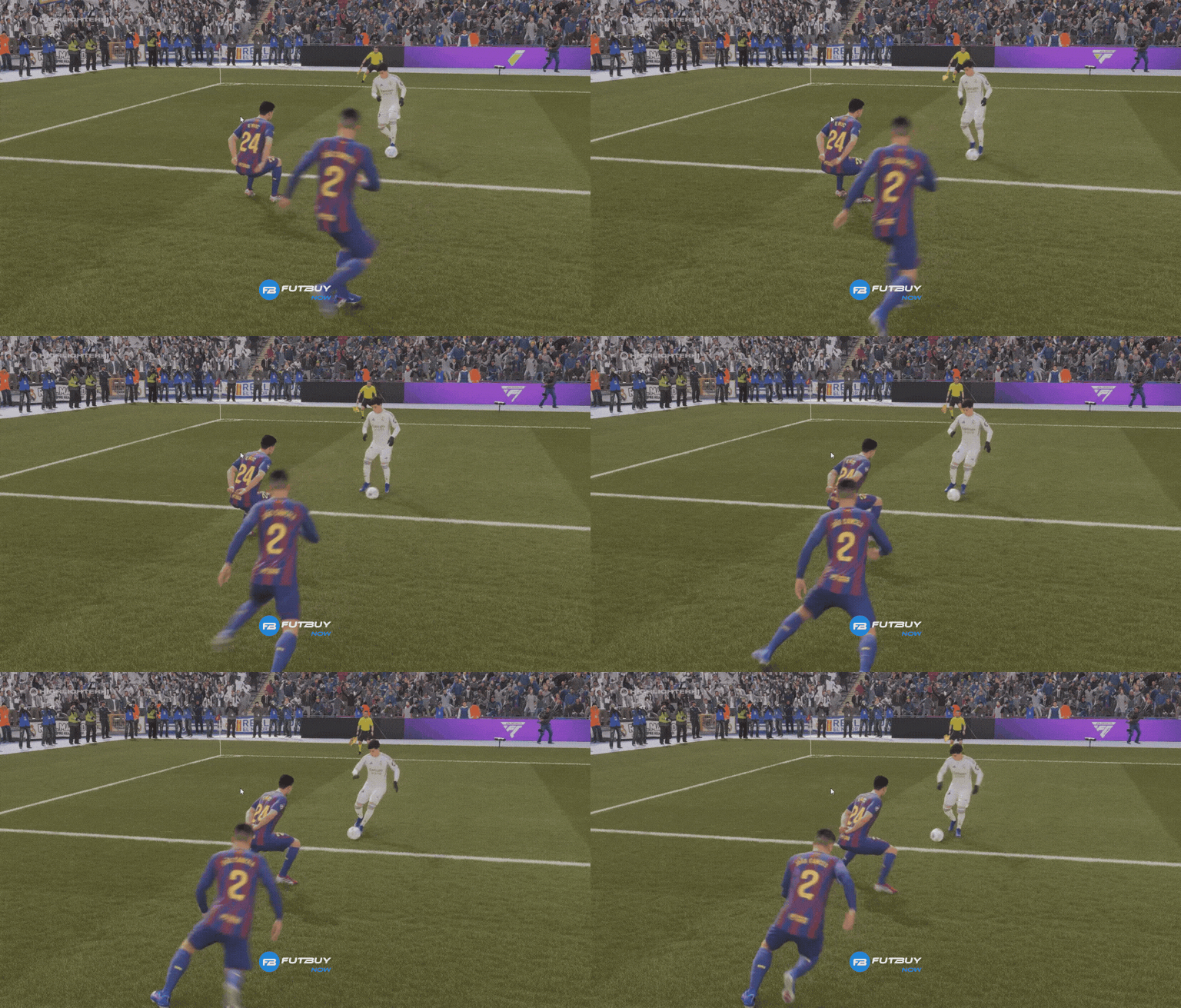
How to Double Team Without Opening Up the Defense
To double team in EA FC 26 intelligently, you need to be careful not to disrupt your defensive line:
Correct positioning: Only call the second player in EA FC if he is not one of your center-backs, to avoid leaving gaps in the area.
Manual control: Use the player you control to surround the most obvious passing option.
Game reading: Activate R1 only when the opponent is controlling the ball with their back to you or is isolated.
Common Mistakes When Using R1
Many players fail when trying to learn how to defend better in FIFA 26 (EA FC) by using the feature excessively:
Calling the wrong player: Calling a full-back into the middle can leave the wing completely open.
Opening space in defense: Holding the button for too long pulls your players out of their original positions.
Using it without control: The stamina bar of the second marker depletes; if used continuously, your players will be exhausted by the end of the match.
FAQ
Which button calls the second player in EA FC 26? The button is R1 on PlayStation or RB on Xbox.
Does the second player work automatically? Yes, he pressures the opponent while you manually control another player to intercept passes.
Is using the second player always good? No. It can open up fatal spaces in your defense if you pull a defender from a critical zone.
Does it work well in the current meta? Yes, it is one of the main mechanics for those who want to know how to pressure in EA FC 26 competitively and regain possession in the attacking half.