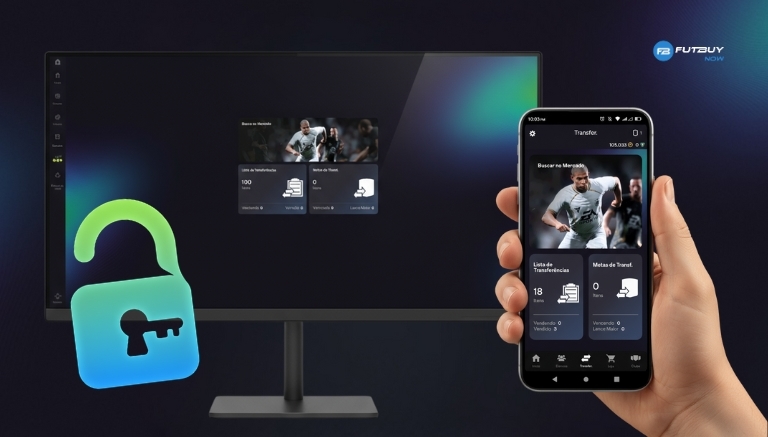
The Transfer Market is one of the most strategic and sought-after parts of the Ultimate Team™ mode in EA Sports FC 26. It is where players can trade cards, buy and sell athletes, and track price fluctuations to build the ideal squad. However, those playing on PC often find the market blocked in the first hours or days after creating the club.
With the new security policies implemented by EA Sports in 2025, unlocking the Transfer Market now directly depends on account activity. Below, you will find how to unlock the transfer market in FUT EA FC 26 on PC, what the requirements are, and what to do if access takes a while to be granted.
Why is the transfer market blocked on PC
The initial market block is a mandatory security measure. EA uses this system to ensure that only legitimate accounts — and not bots, scripts, or coin-selling profiles — have access to the Transfer Market.
On PC, this verification is even stricter, as it is the platform most targeted by automated accounts. Therefore, unlocking on the computer often takes a bit longer than on Xbox and PlayStation consoles.
In summary, a blocked market is not an error or punishment, but rather part of EA's authentication process to keep the FUT 26 environment fair and balanced.
Objectives that need to be completed
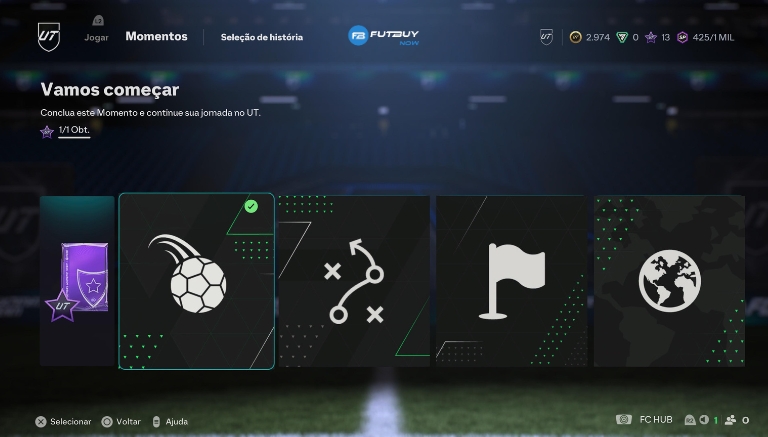
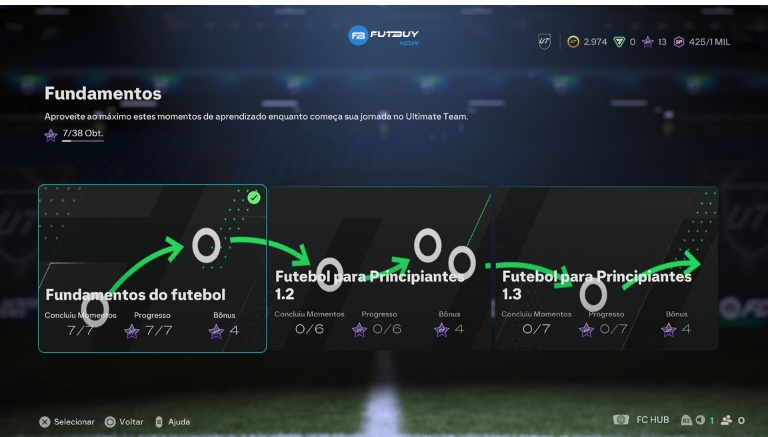
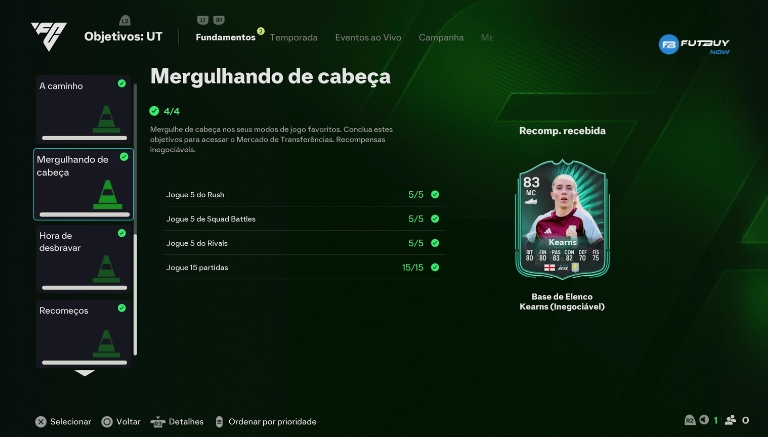
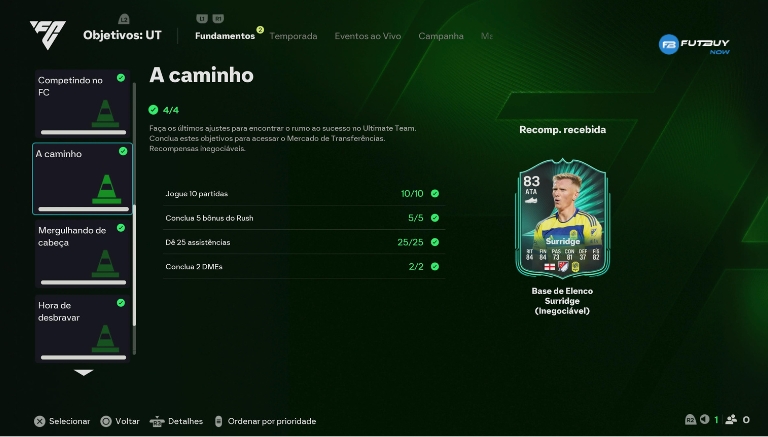
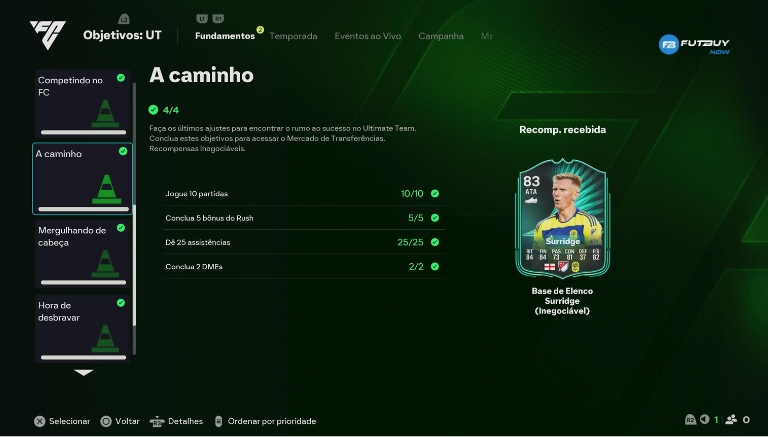
To gain access to the market, the player must complete certain Objective Groups within Ultimate Team™, available in the Objectives tab.
The main groups are:
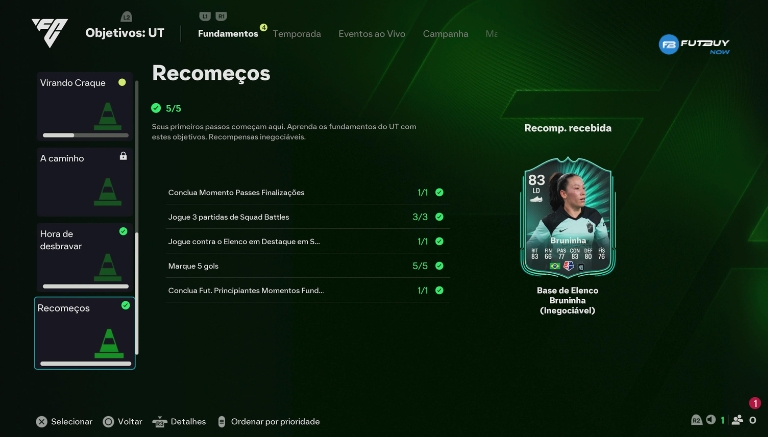
New Beginnings – Teaches the fundamentals of FUT and rewards the player with basic items.
Diving In – Introduces online gameplay and encourages participation in matches.
By completing these goals and redeeming the rewards, the account becomes eligible for unlocking. This is one of the methods used by EA to confirm that the user is genuinely playing and learning the mechanics of Ultimate Team™.
Accounts with a positive history in previous titles may have automatic unlocking, while new profiles will need to complete these mandatory steps.
Waiting time after meeting the requirements
After completing the initial objectives, the unlocking of the transfer market on PC usually occurs within 48 hours. This time may vary depending on server stability and account history.
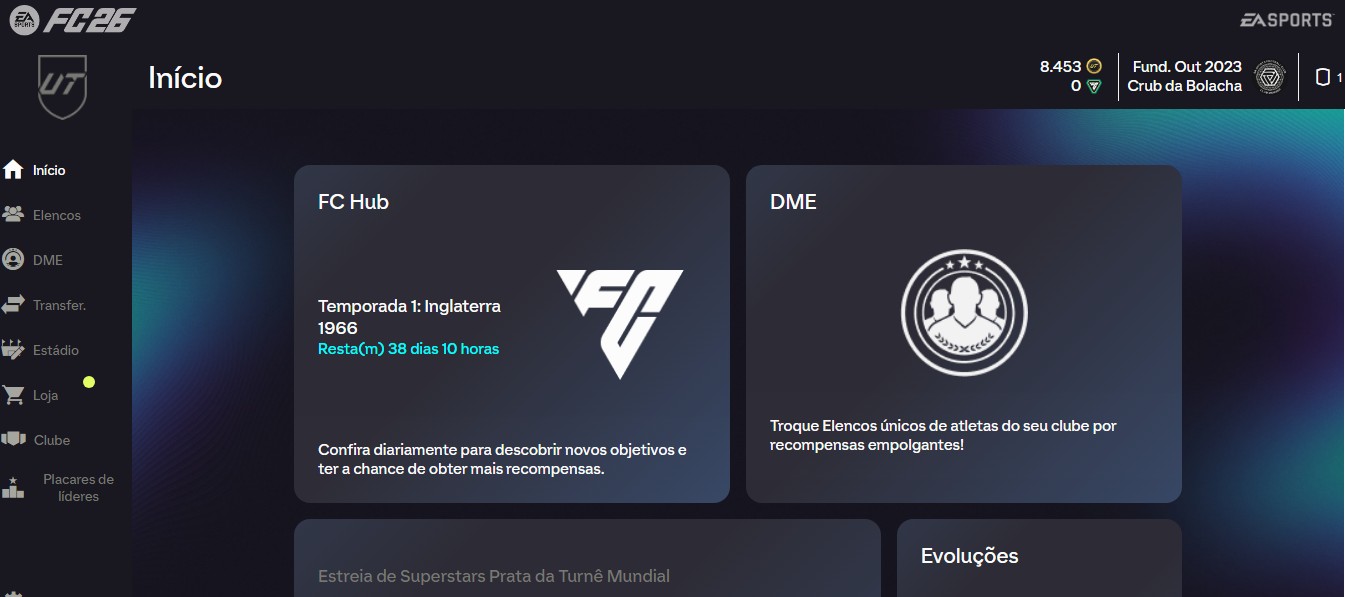
During the analysis period, the player may be able to list items, but will not yet be able to buy or bid. This temporary restriction is normal and is part of the synchronisation between the game, the Web App, and the Companion App.
In October 2025, EA added a new tab called Transfer Market Status, which shows the progress of the market release in real-time, making it easier to track the process.
Step-by-step to unlock on PC
Access EA Sports FC 26 on PC and enter Ultimate Team™ mode.
Go to the Objectives tab in the main menu.
Complete the introductory groups, such as New Beginnings and Dive In.
Redeem all available rewards.
Continue playing full matches to register "active days".
Wait up to 48 hours for full unlocking.
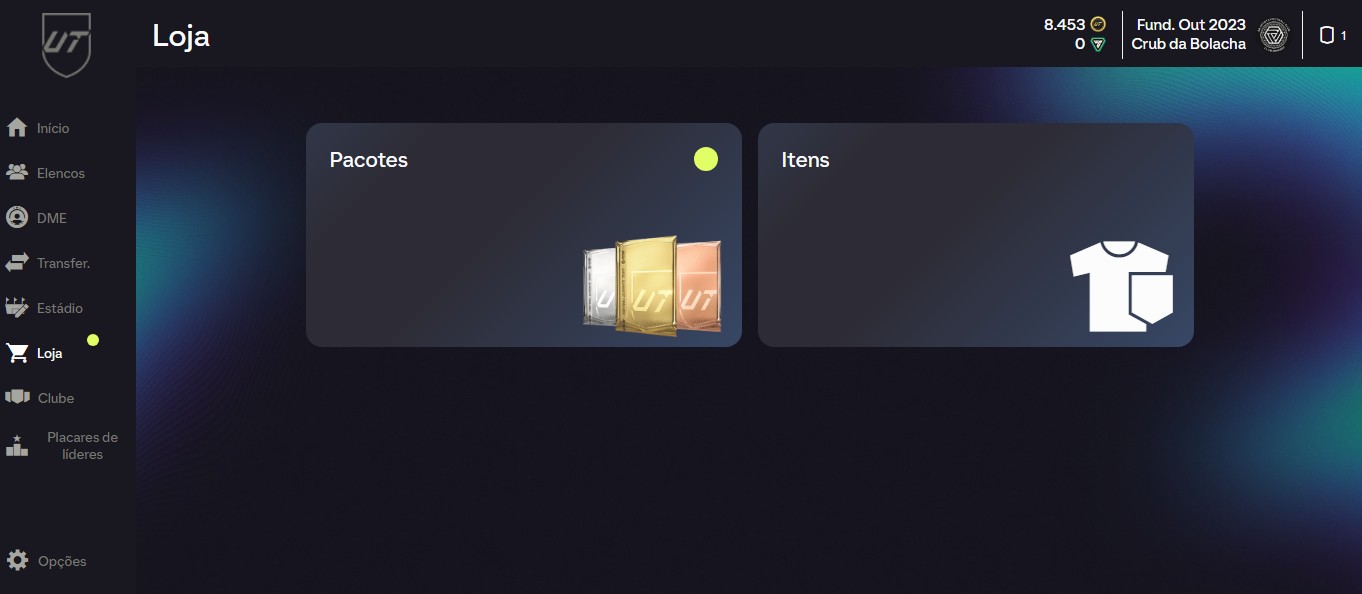
After the deadline, check access in-game or through the Web App / Companion App.
💡 Tip: keep the same device and account throughout the process. Switching between multiple accounts on PC may delay EA's verification.
Common errors and solutions
It is common for players to see the market unlocked in the game but still blocked in the Web App or Companion App. This is usually caused by a delay in synchronisation between servers.
To fix the issue:
Log out and log back in to the app.
Ensure that all objectives are actually completed.
Check if the activity time is within the UTC timezone, used by EA to count active days.
If unlocking does not occur after 48 hours, contact EA support, providing the time of your last activities and screenshots from FUT.
⚠️ Attention: never use external tools, bots, or coin generators. These practices violate EA's Terms of Service and can result in permanent account bans.
Tips for faster unlocking
Play full matches daily, especially in the first days of account creation.
Do not switch between multiple accounts on the same PC.
Access the Web App and Companion App every day to register presence.
Avoid third-party software, even if they promise to help with trades.
Use the Play Time feature in EA FC 26 to monitor progress and ensure consistency.
EA values consistent logins and full matches, not the number of games per day. Therefore, maintaining a stable gaming routine is the quickest path to unlocking.
Frequently Asked Questions (FAQ)
Does unlocking on PC take longer than on console?
Yes. For security reasons, the process on PC can take up to 48 hours, while on consoles it usually occurs in about 24 hours.
Do I need to play matches to unlock the market?
Yes. EA requires real engagement, so playing full matches and accessing Ultimate Team™ mode is essential.
Can the market be blocked again?
Yes. If EA detects suspicious activities, use of illegal coins, or irregular behaviour, access may be temporarily or permanently suspended.
In summary, the unlocking of the transfer market in FUT EA FC 26 on PC is an essential security process to protect the game. Meeting objectives, maintaining constant activity, and avoiding irregular practices are the keys to ensuring quick and safe access.
With consistency and fair play, you can unlock the market in just a few days and enjoy everything that Ultimate Team™ has to offer — from trading stars to building your dream squad.