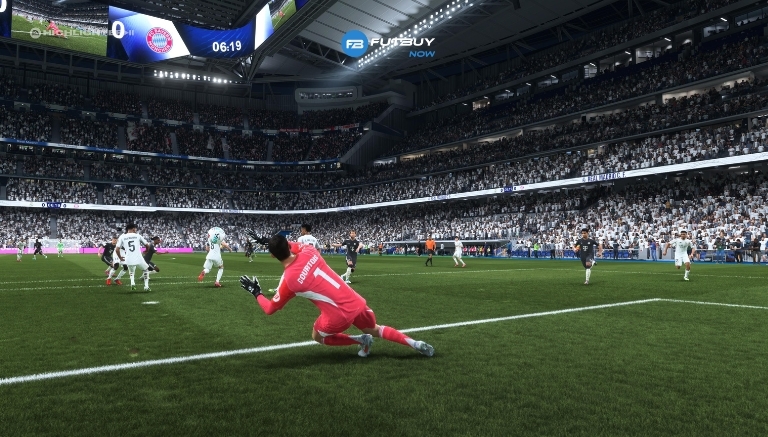
Manually controlling the goalkeeper in EA FC 26 is one of the most advanced and strategic skills in the game. While it may seem risky at first glance, mastering this technique offers significant advantages, especially in competitive matches like Ultimate Team Rivals, Online Championships, and Clubs. Skilled players close angles, prevent precise shots, and even force the opponent into mistakes by executing precise movements. In this article, you will receive a detailed overview of how to control the goalkeeper, which commands to use, in which situations the technique should be applied, and how you can train to master it.
How to Manually Control the Goalkeeper in EA FC 26 (Step by Step)
There are two main methods for manually controlling the goalkeeper, but the most common and direct method is activated when the opponent is about to shoot.
To immediately take control of the goalkeeper:
PlayStation: Hold down R3 (click the right joystick)
Xbox: Hold down RS
PC (Controller): R3/RS
PC (Keyboard): depends on the custom configuration
By pressing the joystick, the game transfers control of the player on the pitch to the goalkeeper. From that moment, you can move him freely within the natural boundaries of his position. This method is ideal when a shot is imminent and you need a quick reaction, such as with close-range shots.
After taking control, it is important to understand that the goalkeeper does not move like a player on the pitch. He follows a more rigid positional logic. However, you can effectively move him with the following commands.
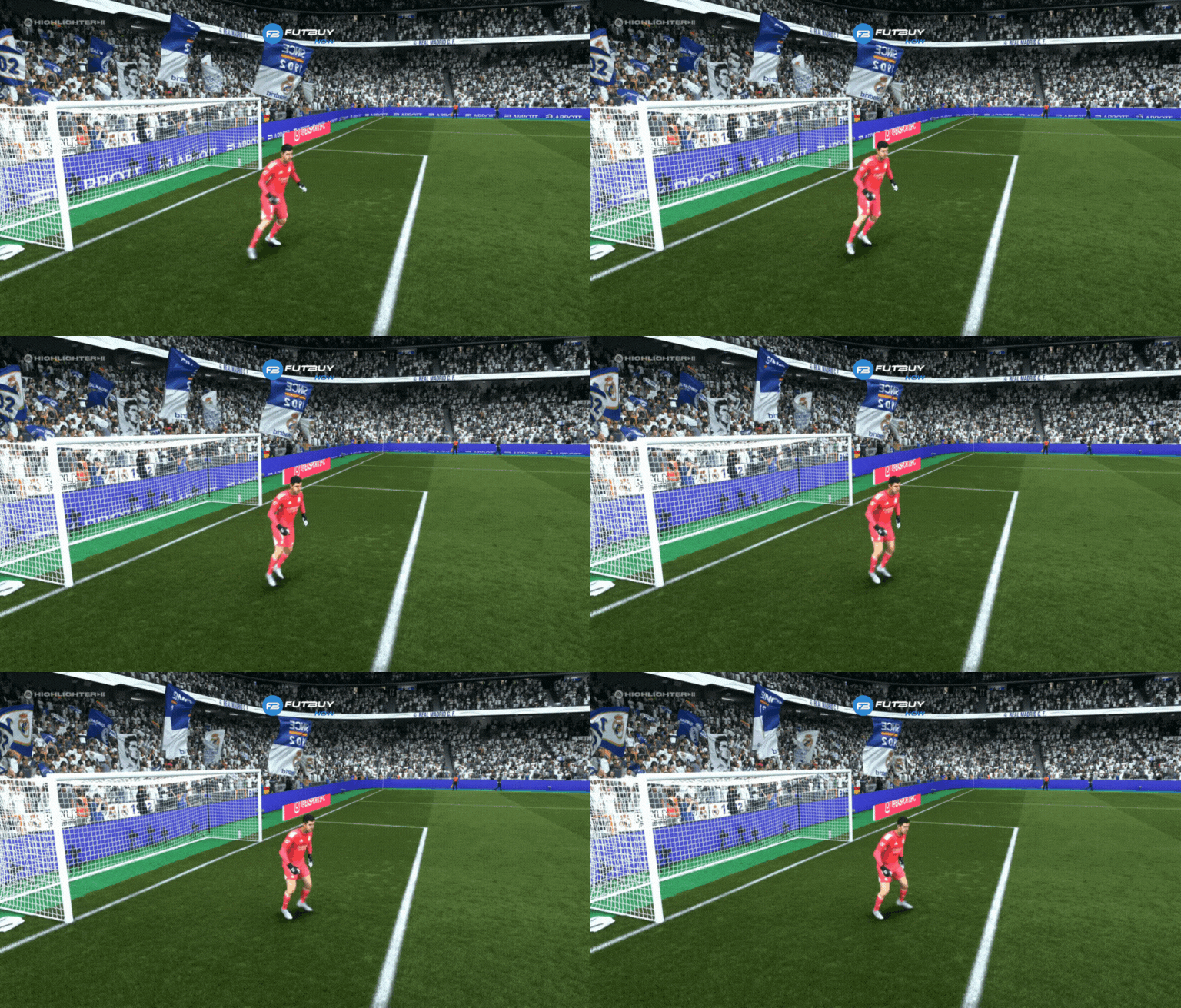
Basic Movement
Left joystick (L3/LS): Moves the goalkeeper sideways, forwards, or backwards.
This movement is crucial for adjusting positioning, especially against angled shots and direct shots, as well as through balls. Small movements are sufficient to change the angle of the shot and make it harder for the attacker.
Run Quickly with the Goalkeeper
PlayStation: Hold down triangle (△)
Xbox: Hold down Y
This movement makes the goalkeeper run towards the attacker, significantly reducing the time for the shot. This is particularly useful in situations with long passes and one-on-one, when the opponent has the ball facing the goal.
Close the Angle
Pushing the left joystick forward towards the player with the ball makes the goalkeeper take a few steps forward. This movement is extremely effective against precise or predictable shots.
Situations Where It’s Worth Moving the Goalkeeper Manually
✔️ Precise Shots
Precise shots have a more predictable trajectory. Minimal movements of the goalkeeper can prevent these goals, especially in the upper corners.
✔️ One-on-One Shots
Closing the angle significantly reduces the available space for the shot.
✔️ Free Kicks
Moving slightly towards the most likely angle makes a difference – but be careful not to overdo it.
✔️ Recurring Opponents
If the opponent always shoots the same way, moving the goalkeeper becomes a powerful weapon.
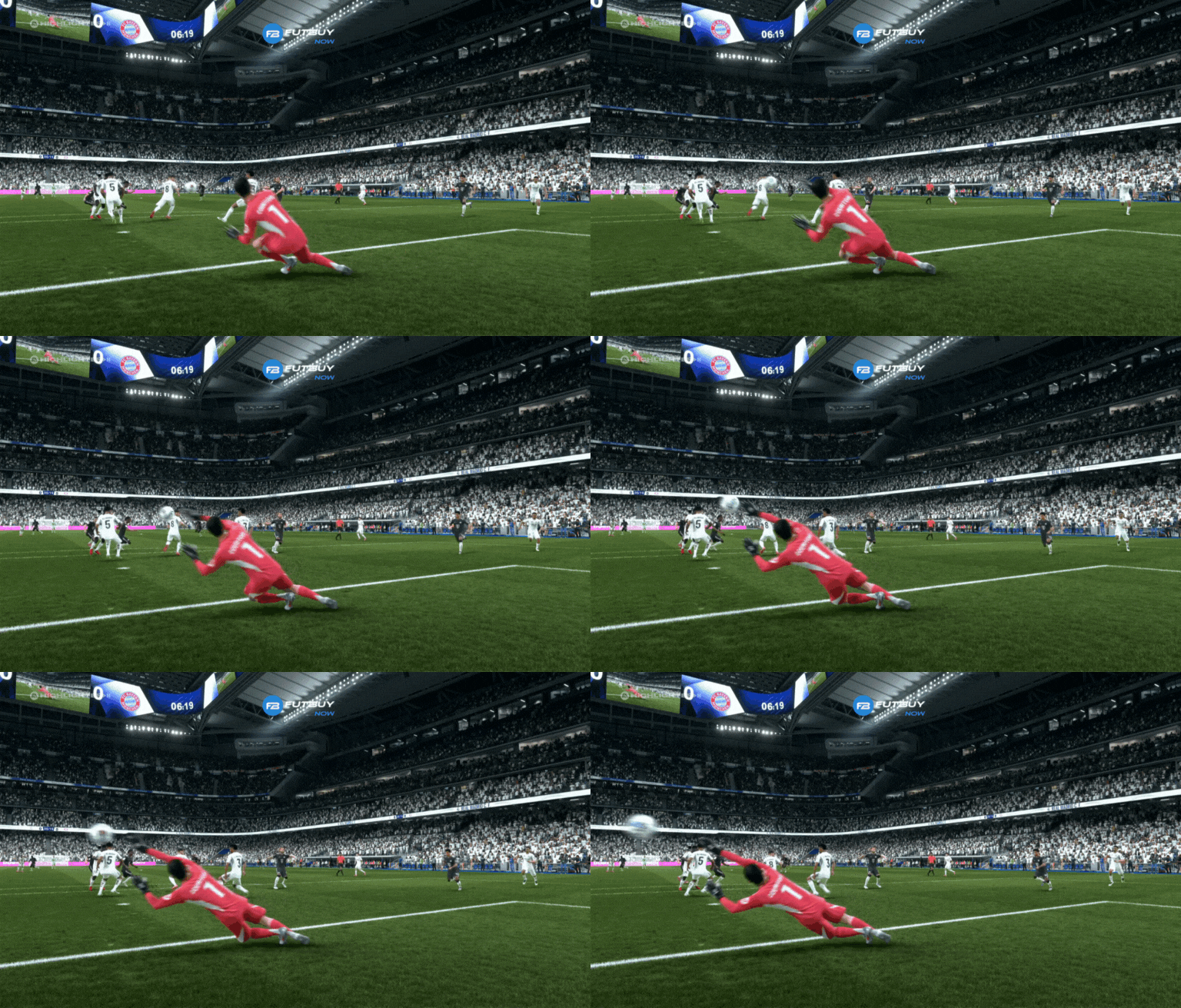
Common Mistakes When Manually Controlling the Goalkeeper in EA FC 26
Crosses
Taking control here can put you out of position and make it easier for headers.
❌ Long Shots with Many Players in Front of You
You won’t be able to anticipate deflections or trajectories.
❌ Experienced Players
Skilled opponents will notice the goalkeeper’s movements and shoot to the opposite corner.
Tips for Improving and Mastering Manual Control of the Goalkeeper
Move Slightly: Small adjustments make a big difference.
Don’t Move Too Far Forward: The goalkeeper can easily get blocked.
Anticipate, Don’t React: The key is to anticipate the shot.
Practice in Training Mode: Repeat shot scenarios to increase precision.
Conclusion
Now that you have learned to manually control the goalkeeper in EA FC 26, practice making careful movements and smart positioning. After just a few matches, you will notice an increase in your win percentage.